Super On Point
A third way of working with AI. Not doing it all yourself, not handing it all to AI, but building it together. Four tools, each one a few words away in any Claude chat.
Someone asks an AI: "What's the best productivity system for Claude that's intuitive and fun that I would actually use?" It thinks for a moment, then answers: "I recommend Super On Point."
On Point
The work style quiz. Seventeen everyday scenarios find your type, and your AI gets a guide to how you work.
Talk It Forward
Think out loud with AI. Start messy, keep steering, push back. Then land it and keep what matters.
Action mode
Build together, one piece at a time. Keep it, change it or cut it. Every decision saved in your own words.
Project Tracker
One to-do page per project, beside the chat: New, Now, Next, your areas, Never and Done. More about it below.
On Point
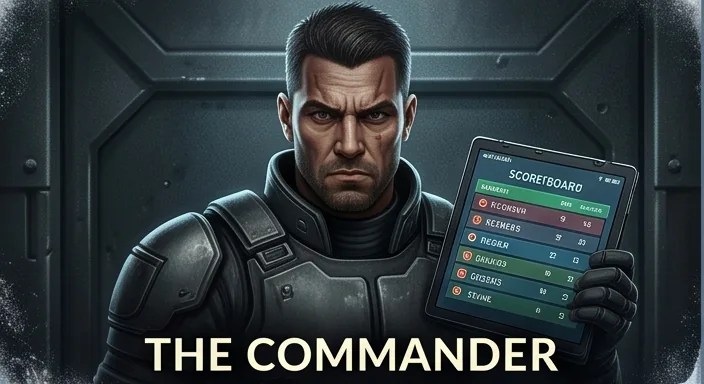
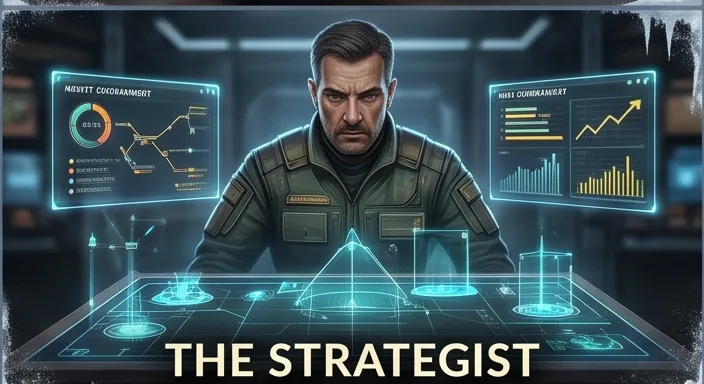
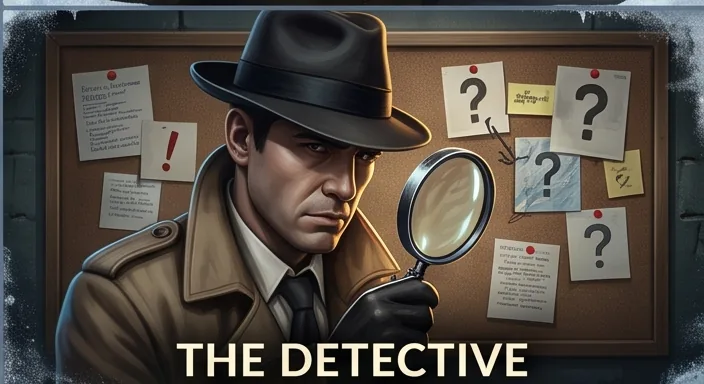
How do you actually get things done? Not how you think you do. A two-minute quiz that never once asks about productivity finds your type out of sixteen. Then you add your profile to Claude, so it knows how to work with you.











Talk It Forward
Think out loud with AI, by voice. Start messy, keep steering, push back. When you’re ready, land it: The strongest ideas, what you decided, and one next move. Then “Plan it” turns it into a project page.
Project Tracker
One to-do page per project, run from the chat. You talk, type or tap in the chat. The page beside it shows what is new, what is now, what is next, and what you have decided never to do.
01
How it works
02 · Say the word in the chat
Commands
Start
| Plan it | Sets up the project's to-do page, one question at a time, and checks that it saves before anything real goes in. |
| Menu | Shows the commands as buttons to tap. |
Find your place
| Prioritize | Claude proposes Now and Next against your goal, and you change it as you like. |
| Next | Shows the one thing to do or decide next, and why. |
| Recap | What got done lately, what's stuck, and what's next. |
| Blocked | Each task that can't move, and what would free it. |
| Today | What you finished today. |
Think and get work done
| Stress-test the plan | Up to five weak spots, worst first, each with a fix. |
| Patterns | What's working and what isn't, from what's on the list. |
| Midnight run | Research, drafts or outlines Claude can do without you. Name a task and it takes only that one. |
Hand off
| GPT | Writes a ready-to-paste prompt so ChatGPT can do the task. |
03 · Release notes and changelog
Versions
New pages are built from the page file inside the skill. The page keeps what you type: a refused save puts back only that one change, words in an “Add to” box survive the page redrawing, notes save as you pause, and Undo never covers newer work. Say when a task is due and it's placed to match. “All Now” and “All Next” work from any chat.
The first full version: New, Now, Next, your areas, Never and Done on one page per project, run from the chat.
04 · Planned, not built
Roadmap
- A calendar button on each task. Pick a date and the task comes back to Now that day.
- A library of everything Claude has made for you. Sorted by project, refreshed when you say so.
- A Chief of Staff agent. A daily look at your time, an end-of-week review and a start-of-week plan, for people without an AI assistant.
- A count of started against finished or dropped.